
TikTok Shop returns and refunds in Shopify
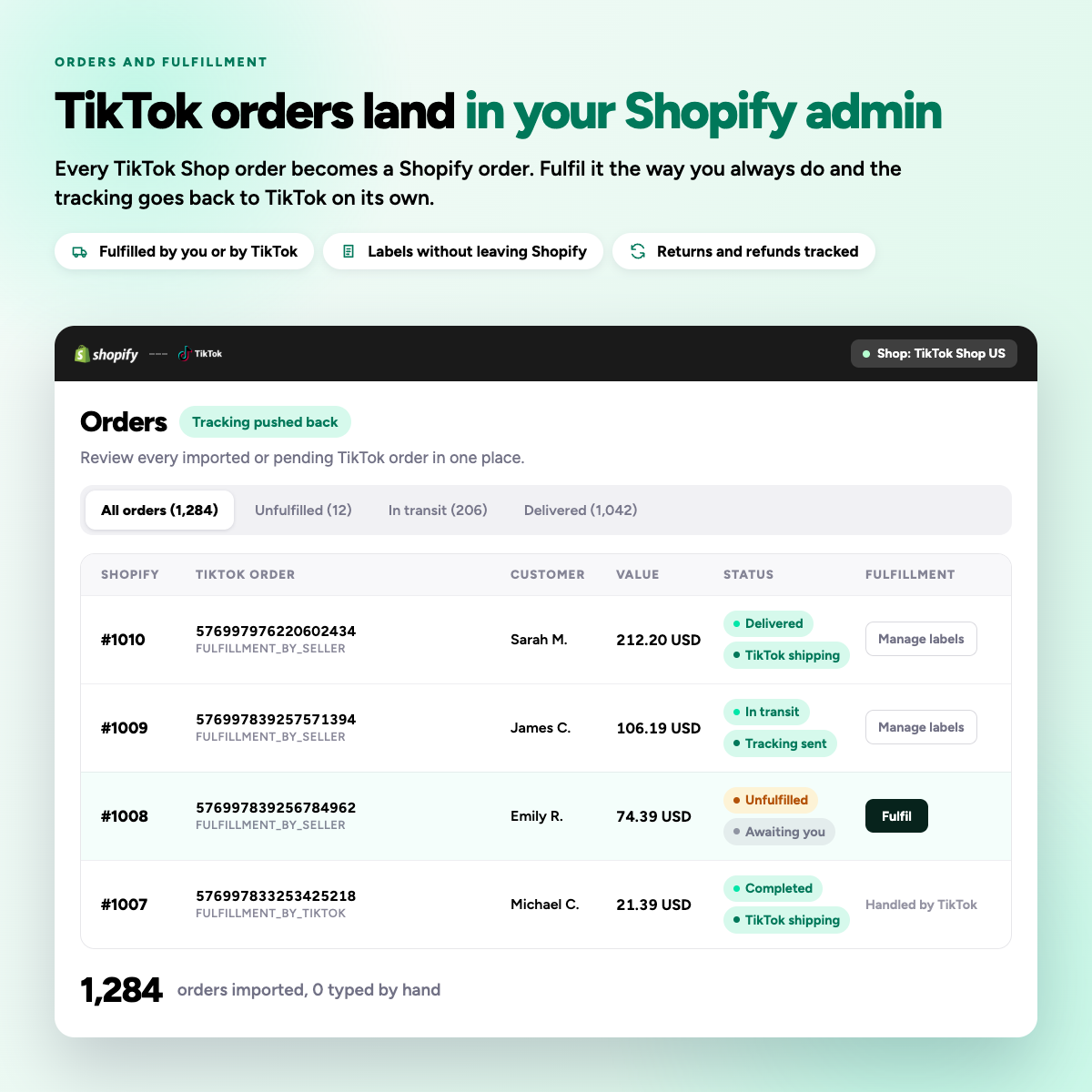
A buyer starts the return inside TikTok. Syncato brings the status onto the Shopify order, restocks what you accept, and records the refund, so the order does not sit half finished.
A return you never see is stock you never recover
Returns are handled inside TikTok. If nothing reaches Shopify, the order stays open, the refund is invisible in your reporting, and the unit never comes back into stock.
From request to restock
-
01
The buyer requests it
Returns are opened inside the TikTok app, where the buyer bought.
-
02
Status reaches Shopify
Syncato puts the request on the matching Shopify order.
-
03
You inspect the item
TikTok gives you a window to check the goods before funds are released.
-
04
Stock and refund settle
Accept and the unit is restocked, the refund recorded, the order closed.
The order closes properly
Every stage of the return lands on the Shopify order, so your reporting and your stock both reflect what actually happened.
Return requests
Opened in TikTok, shown on the Shopify order.
Cancellations
Synced before dispatch so you do not ship in error.
Refund amounts
Recorded against the order for reporting.
Restock
Accepted returns put back into the right location.
Return reason
Carried across so you can spot patterns.
Shop and market
Every return tagged with where it came from.

Returns and refunds questions
How do customer returns and refunds get handled?
Customers initiate returns directly inside the TikTok app. Depending on your store settings, TikTok can automatically issue prepaid shipping labels for return shipments. Sellers are given a set window to inspect returned items before funds are released back to the buyer.
Syncato syncs return and cancellation status into Shopify and restocks accepted returns, so the order does not sit half finished.
What actually syncs between Shopify and TikTok Shop?
Typically the product catalogue, inventory levels and prices, plus orders flowing back into Shopify for fulfilment. Some integrations also sync order status and tracking, while tax and VAT lines may be limited because TikTok acts as the marketplace facilitator.
Syncato syncs products, inventory, prices, orders, fulfilment and tracking, cancellations and returns, in both directions.
How long does it take to get paid?
Standard payouts are released roughly 8 to 15 calendar days after an order is marked as delivered, allowing time for potential returns and refunds. Established sellers with strong performance can qualify for faster settlement.
Payouts come from TikTok. Syncato does not sit between you and your money.
What is the TikTok Shop probation period?
New seller accounts enter a probationary status on launch. During this period TikTok limits your daily order volume to make sure your fulfilment capacity and customer support meet quality benchmarks before scaling.
Fast tracking updates matter most in this window, which is why Syncato pushes fulfilment back to TikTok as soon as it is added in Shopify.