
Multi-location inventory for TikTok Shop
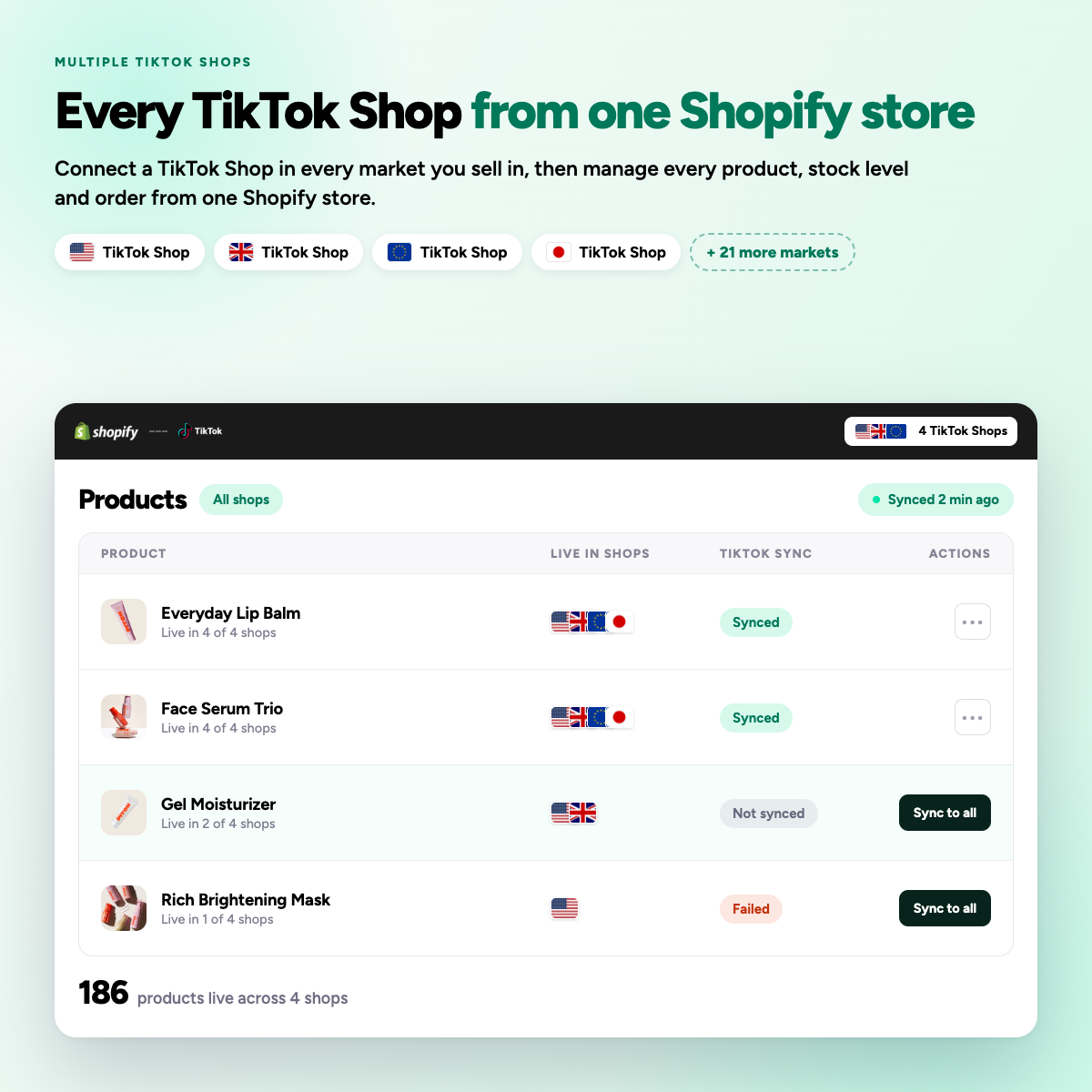
Shopify holds the only stock number that matters. Syncato pools your warehouses and 3PLs into one available figure, pushes it to every connected TikTok Shop within seconds, and pulls it back down as orders arrive.

Overselling is the tax on multi-channel
Each channel keeps its own number. Sell the same unit twice and you take the cancellation, the penalty points and the review.
One number, pushed everywhere
-
01
Map your locations
Choose which Shopify locations feed each connected shop, including 3PLs.
-
02
Set a buffer
Hold back a few units per shop so a burst of orders cannot oversell.
-
03
Let webhooks work
Shopify fires on every stock change and Syncato pushes it out within seconds.
-
04
Orders draw down
A TikTok sale reduces the Shopify figure, and every other shop sees it.
What you can set per shop
Stock rules are not one size fits all. Each connected shop draws from the locations and buffers you choose for it.
Stock locations
Any combination of Shopify locations, per shop.
Stock buffer
A held-back quantity that never publishes.
Sync direction
Push from Shopify, and draw down on TikTok orders.
Zero-stock behaviour
Delist, or leave live at zero.
3PL locations
Treated like any other Shopify location.
Sync log
Every push recorded, with the reason for any failure.
Inventory questions
Why is my inventory showing as 0 on TikTok Shop when I have stock in Shopify?
This is usually due to incomplete product mapping or inventory sync being turned off. Check that all products are mapped, that inventory sync is toggled on in Product Sync Settings, and that the Shopify product is not out of stock.
In Syncato you also choose which Shopify locations feed each shop, so multi-location and 3PL stock can be pooled into one available figure.
How fast does inventory and price sync happen?
Most connectors sync inventory and price changes in near real time, commonly within 1 to 5 minutes after an update in Shopify. Exact latency depends on the app’s architecture, Shopify webhooks and TikTok API rate limits.
Syncato is webhook driven, so stock and price changes push within seconds, and every connected shop draws from the same available quantity.
What actually syncs between Shopify and TikTok Shop?
Typically the product catalogue, inventory levels and prices, plus orders flowing back into Shopify for fulfilment. Some integrations also sync order status and tracking.
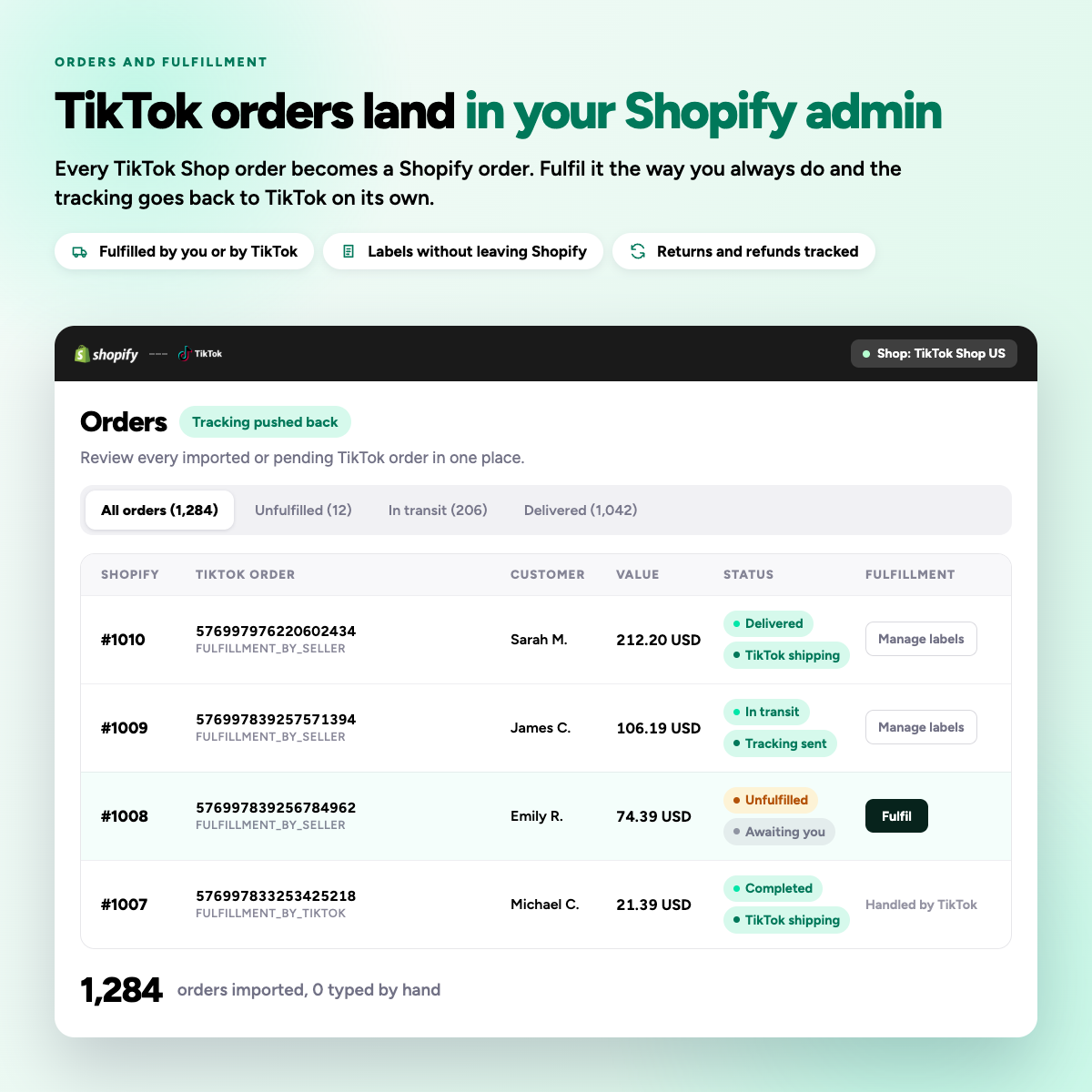
Syncato syncs products, inventory, prices, orders, fulfilment and tracking, cancellations and returns, in both directions.
Can I pool stock from a 3PL warehouse?
If your 3PL is set up as a Shopify location, its stock is visible to Shopify like any other location and can be included in what a channel sees.
Syncato treats a 3PL as an ordinary Shopify location, so you can include or exclude it per shop.