
Run every TikTok Shop from one Shopify admin
Connect unlimited TikTok Shops to a single Shopify store. Products, inventory, orders and returns stay in sync, in every market you sell in.


Everything the connector handles






This is what it looks like once it is running

Add a shop, not another subscription
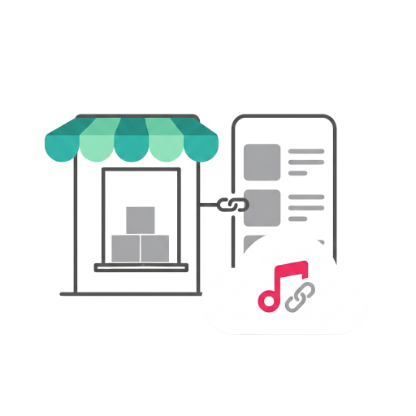
Most connectors tie one Shopify store to one TikTok Shop, so running a second market means a second subscription and a second place to check. Syncato connects as many shops as you own to the store you already work in.
Each shop keeps its own settings. A UK shop can carry UK pricing and its own shipping template while sharing the same product catalogue, and you decide per shop which products publish there.
- Unlimited shops on one Shopify plan
- Per-shop pricing, currency and shipping
- Publish a product to one shop or all of them
Shopify holds the only stock number that matters
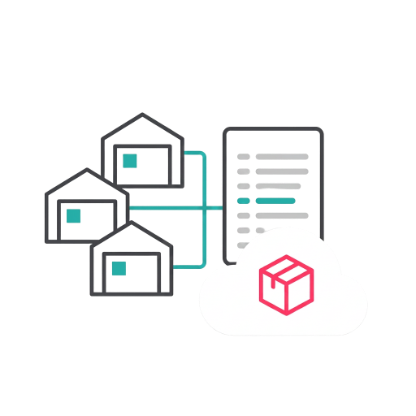
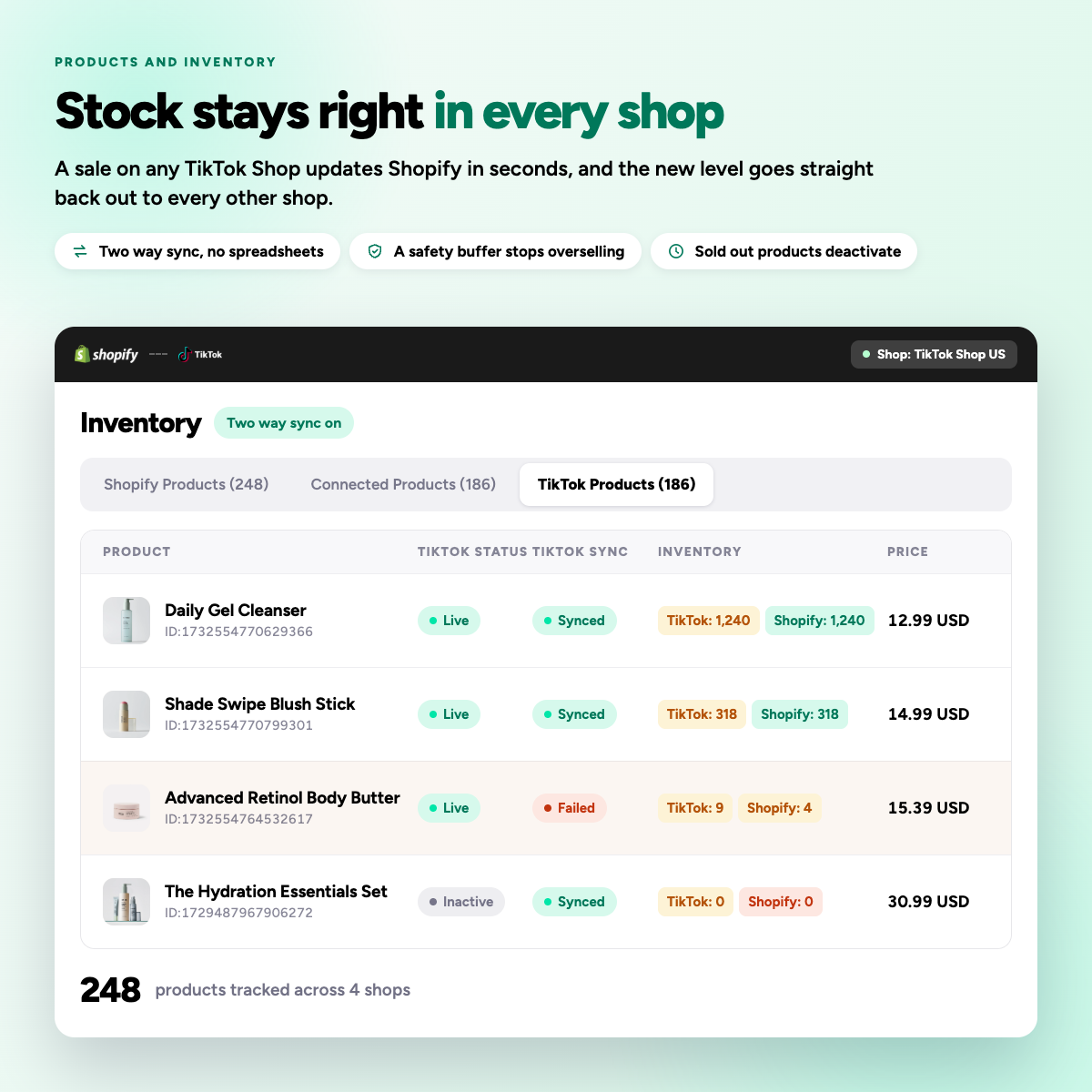
Overselling is the expensive failure in multi-channel selling, and it happens because each channel keeps its own number. Here Shopify holds the only inventory of record and TikTok Shop follows it.
When an order lands in any connected shop, stock drops once and the new figure is pushed to every other shop. Product edits behave the same way: change a title, price or image in Shopify and the linked listings update on the next sync.
- Two-way sync on stock and orders
- Multi-location inventory supported
- Stock buffers per shop if you want a safety margin

Your fulfilment process does not change
A TikTok order comes into Shopify as an ordinary order, with the customer, line items, shipping method and taxes in the fields your team already reads. Nothing about your picking, packing or accounting process has to change.
Fulfil it the way you fulfil everything else. The tracking number and carrier are sent back to TikTok Shop automatically, so the buyer sees a shipped order without anyone opening Seller Center.
- Orders, refunds and cancellations both ways
- Tracking pushed back automatically
- Works with your existing fulfilment apps
What we have learned running TikTok Shops
Practical notes for Shopify merchants selling on TikTok Shop, covering catalogue setup, market expansion, stock rules and order handling.
Questions merchants ask first
Yes. You can disable price sync in the TikTok app settings and set different prices on TikTok Shop vs. Shopify. Some third-party connector apps also let you set percentage or fixed-amount price rules so TikTok Shop prices auto-adjust relative to Shopify.
This usually happens due to orphan products (items added directly in TikTok Seller Center that don't have a mapped counterpart in Shopify). The fix: use the "Map Now" banner in the TikTok app inside Shopify to manually map each product/variant. Once mapped, the order will auto re-sync.
This is usually due to incomplete product mapping or inventory sync being turned off. Check: (1) All products are mapped via the "Map Now" banner, (2) In the TikTok app, go to Shop Management > Product Sync Settings and ensure inventory sync is toggled ON, and (3) Your Shopify product isn't out of stock.
If a product is locked due to an active promotion (Flash Deal, Fixed-Price Promo, etc.), price and description edits from Shopify won't sync. Also, TikTok doesn't support bold formatting in descriptions, so use plain text only. To fix: revert the promotional price in Shopify first, edit the description, let it sync, then re-apply the promo price.
Typically product catalog (titles, images, variants, SKUs), inventory levels, and prices, plus orders flowing back into Shopify for fulfillment. Some integrations also sync order status and tracking, while tax/VAT line items may be limited because TikTok acts as the marketplace facilitator.
Using the native TikTok sales channel, no. One Shopify store connects to one TikTok Shop account at a time, so running a second market means a second Shopify store, or disconnecting and reconnecting to a different TikTok Shop account.
You install the TikTok sales channel (or your connector app) in Shopify, then connect your TikTok for Business account and authorize access to your product catalog. After that, you select which Shopify products to sync, map categories/variants, and complete any remaining identity, banking, and tax steps in Seller Center.
- For Sellers: You need a registered business (Individual or Corporate/LLC), a valid government photo ID, a tax identification number (EIN or SSN), a local business address, and an active bank account matching the business entity name.
- For Creators (Affiliates): You must be at least 18 years old, reside in a supported region, have an account in good standing, and generally meet a follower minimum (e.g., 1,000+ followers in the US).