
Connect multiple TikTok Shops to one Shopify store
Shopify's own TikTok channel links one store to one shop. Syncato removes that limit. Connect as many TikTok Shops as you own to a single Shopify store, each with its own pricing, currency and shipping, across all 25 live markets.
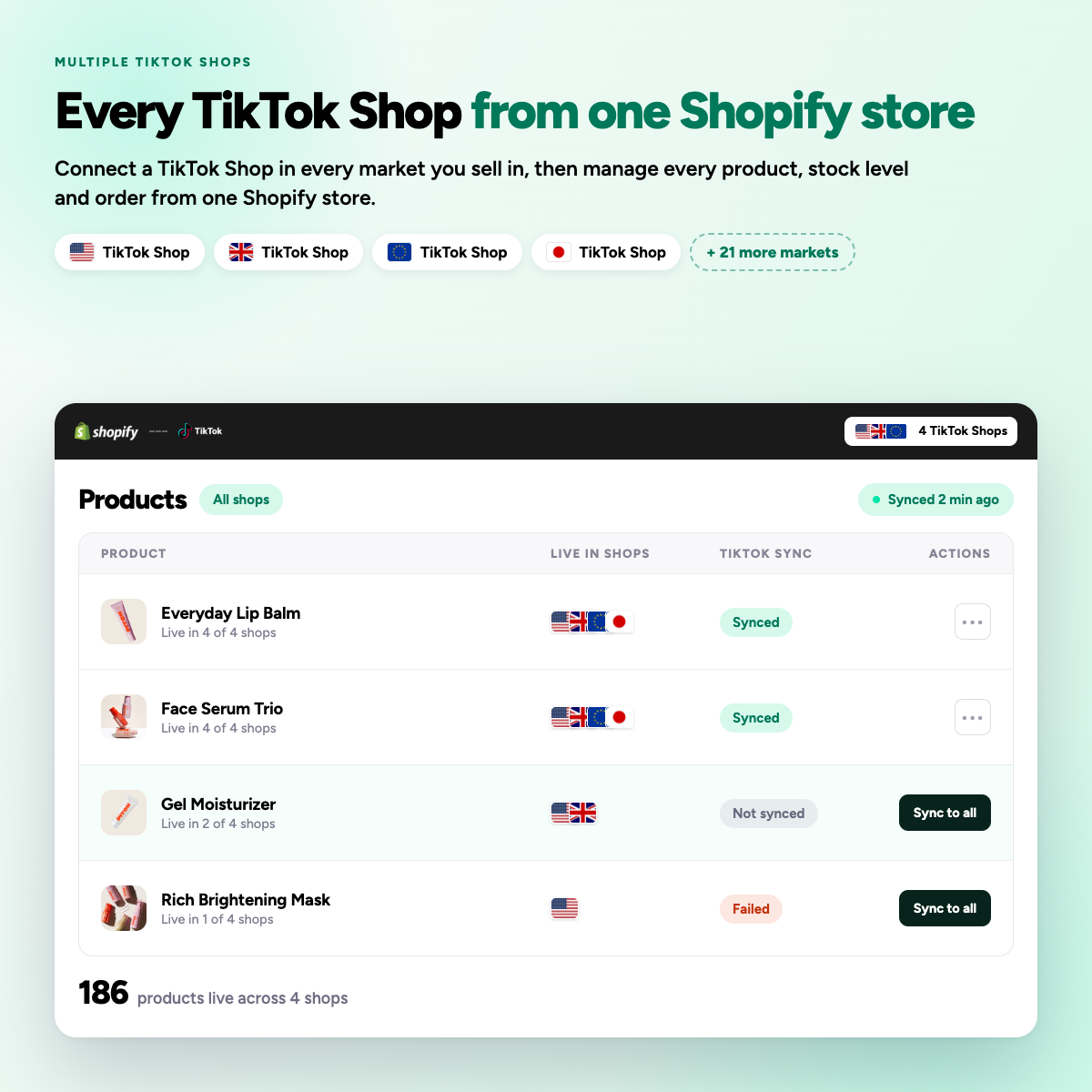
One store, one shop, is where most sellers stop
Using the native channel, a second market means a second Shopify store, a second subscription, and a catalogue maintained twice.
Add a shop, not another subscription
-
01
Connect your first shop
Authorise with the TikTok Shop owner account for that market.
-
02
Add the next one
Repeat from the same admin. No new Shopify store, no new plan.
-
03
Set each shop’s rules
Price rule, currency, shipping template and stock locations, per shop.
-
04
Publish selectively
Send a product to one shop, a few, or every shop you own.
Each shop runs on its own terms
One catalogue in Shopify, but every connected shop carries its own commercial settings. Nothing is forced to match.
Pricing rule
A percentage or fixed adjustment covering that market’s commission.
Currency
Each shop lists in its own market currency.
Shipping template
Mapped to the TikTok template that market requires.
Stock locations
Choose which Shopify locations feed each shop.
Product selection
Collections or individual products, per shop.
Order tags
Every imported order is tagged with its shop and market.

Multiple shop questions
+ Can I connect one Shopify store to multiple TikTok Shop accounts?
Using the native TikTok sales channel, no. One Shopify store connects to one TikTok Shop account at a time, so running a second market means a second Shopify store, or disconnecting and reconnecting to a different TikTok Shop account.
This is what Syncato was built to solve: connect as many TikTok Shops as you own to one Shopify store, across all 25 live markets, each with its own pricing, currency and shipping settings.
+ Can I run TikTok Shop and my Shopify store with different prices?
Yes. You can disable price sync and set different prices on TikTok Shop, or use percentage and fixed-amount rules so TikTok Shop prices auto-adjust relative to Shopify.
Syncato supports a percentage or fixed rule per shop, which is how most merchants cover TikTok commission without changing their own store prices.
+ Can I use the TikTok for Shopify app alongside other connector apps?
Be careful. Using multiple connector apps simultaneously can cause duplicate listings, conflicting inventory counts, and order status issues. TikTok officially recommends disconnecting incompatible third-party apps first.
Disconnect other connectors before installing Syncato, then relink your existing listings during setup so reviews and sales history stay in place.
+ Should I edit my products in Shopify or in TikTok Seller Center?
Always edit in Shopify. Your Shopify store should be the source of truth. Changes made in Shopify automatically push to TikTok Shop. If you edit directly in Seller Center, you risk creating orphan products and sync conflicts.
Syncato pushes each Shopify change out to every connected shop, so one edit updates all of your markets.